After a company implements a system, the most common source of resistance is not insufficient functionality, but ratherThe entry points are scattered.: One set for the computer browser, one set for the mobile browser, and another string of short links crammed into the communication group. When approvers are on business trips, they can’t find their pending tasks; when suppliers need to submit documents, they have to ask three people; and internal training materials are scattered across various cloud storage folders. The result is that the system is overloaded, and people are even busier.
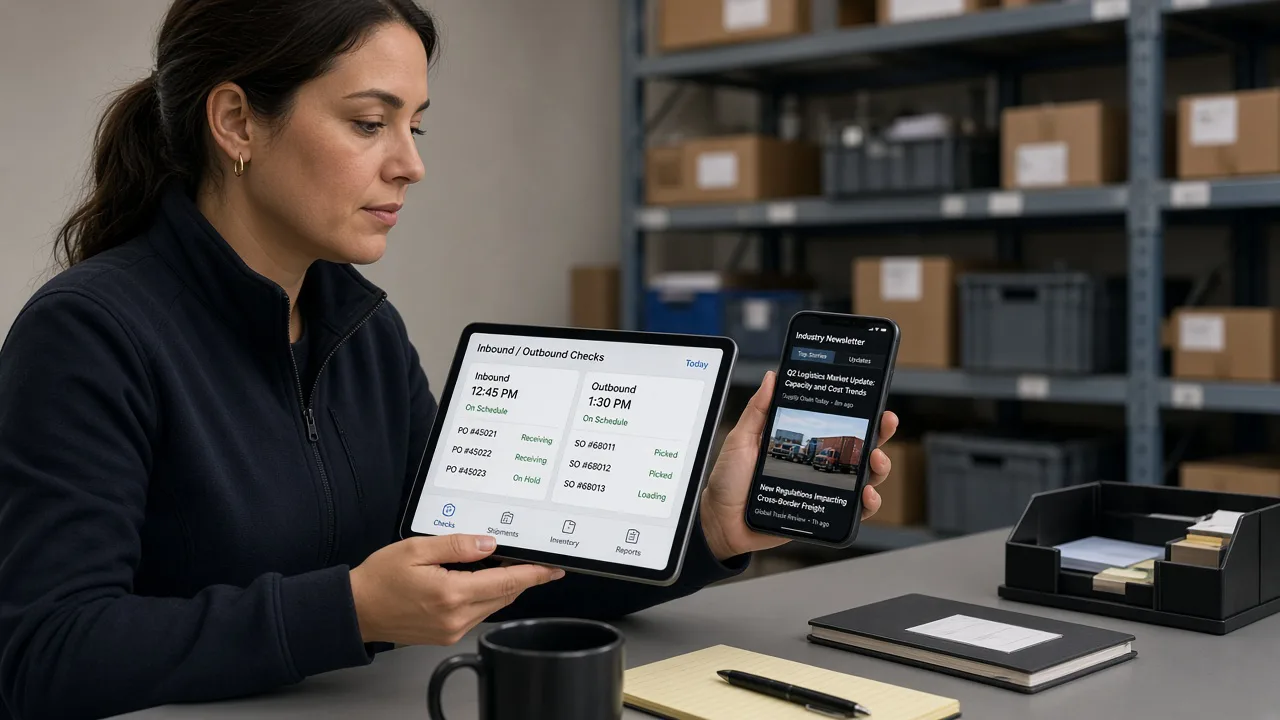
What mobile office truly aims to solve is “being able to get things done anytime.”
Mobile office isn’t simply shrinking desktop pages onto a phone. For business leaders, it must ensure three things:
- Key approvals can be closed-loop.: Leave requests, expenses, procurement, and change orders—on your mobile device, you can clearly view the fields, reject or return them, and add signatures.
- Messages are traceable.: Who changed the status and when—just check the history, no need to piece it together from chat logs.
- The entrance is manageable.: During demonstrations, official releases, and gray-scale address changes, all users can view the latest instructions in one place.
The mobile side (H5) of the XYN digital intelligence system is precisely designed for these scenarios. But H5 alone is not enough—there also needs to be aContinuously updated official outreach channels, informing users “which address to enter today and what changes to watch out for.”
Business logic: Direct connection experience + official account updates, with both channels coexisting.
It is recommended to design mobile access as two parallel paths, with users choosing based on their specific scenarios:
| Path | Who is it suitable for? | What to do |
|---|---|---|
| Direct access to H5 | People who already have an account and are about to approve documents | Scan the code or click the link to access mobile office. |
| Follow the official account | People who need to regularly receive input and version descriptions | Follow “Shandong XYN Information Technology Co., Ltd.” to get updates and guidance. |
The former addresses “do it now”; the latter ensures that “it can still be found later.” Many projects only tackle the former, and three months later, once the address changes, the group chat is flooded again with requests for the link.

Design logic: How to arrange the two QR codes on the system’s entry page.
On the system entry (download/experience) page, the “Mobile Office” card should simultaneously provide:
- Left side: Direct access QR code——Corresponds to the current H5 address, suitable for demonstrations and routine approvals.
- Right side: QR code for the Shandong XYN Information Technology Co., Ltd. official account——Suitable for those who are new to the product and need to bookmark the entry point and stay updated.
The copy clearly highlights the differences to prevent users from assuming the two codes are the same. Password and account policies remain “contact customer service for details,” while the official account only shares publicly accessible guidelines, refraining from disclosing long-term, high-privilege credentials in plain text.
Development and Implementation: Add the official account to the release list.
It is recommended to incorporate the following checklist items into every release:
- H5 address changes are synchronized to update the left-side code on the entry page and the pinned description on the official account.
- Does the official account menu/history messages still link to valid pages (invalid short links are prohibited)?
- Are the official website news and the WeChat official account summaries sourced from the same origin, to avoid conflicting statements between the two?
- On the day a new tenant activates their account, should the official WeChat QR code be included in the delivery package (PDF/one-page document)?
Technically, this isn’t complicated; the challenge lies in organizational habits: whoever changes the address is responsible for updating the code. Designating an “entry administrator” role is more reliable than having multiple departments each send their own links.
Follow the official account of “Shandong XYN Information Technology Co., Ltd.”
Search within WeChatXYN Tech, or scan the QR code below to follow. After following, you can access instructions for the mobile office portal, product updates, and articles on enterprise management methods; you can also return to the system’s home page and directly enter the H5 experience on the left.

System entry page address:https://www.xynadmin.com/download.html. We recommend bookmarking this page and following the official account; the two channels serve as backups for each other.
Which positions most urgently require a dual-channel approach?
ApproverH5 direct access is required: open it and get started, eliminating one step of “first browsing the official account then finding the menu.”Department contact personA WeChat official account is required: responsible for forwarding entry points, synchronizing changes, and answering newcomers’ question “where to enter.”External collaborators(Suppliers and distributors) rely more on official accounts or controlled short links, because they may not bookmark your internal pages long-term.
Therefore, the dual-channel approach is not redundant development but rather role-based traffic diversion. By displaying two codes on the landing page, we ensure that this diversion occurs in the very first second of the user’s decision-making process.
Common Failure Modes and Countermeasures
- The two code screens look too similar.: Must use headings to distinguish “Direct Access / Official Account,” and add different background colors or icons when necessary.
- The official account only posts marketing soft articles.: Without an entry point and changes, users will unfollow; at least ensure that change-related content is prioritized.
- H5 certificate or domain name has expired: The left-side code will fail collectively, so a certificate expiration check needs to be added to the release list.
- Personal account replaces official account: The entry is lost after personnel turnover; the official QR code must be an organizational asset.
The countermeasures are quite straightforward: entry-point administrators, change logs, and bi-monthly drills to “simulate address changes.” Only after passing these drills can we confirm that the process is replicable.
How is the two-week pilot evaluated?
Choose a department to pilot mobile office:
- All employees should follow the official account and confirm that they can access the H5 page.
- Count the number of inquiries within a week that “cannot find the entry point,” with the goal of bringing it close to zero.
- A spot check of 10 mobile approvals confirmed that the fields are complete, attachments are viewable, and rejection comments can be rewritten.
- Simulate an address change: update only the homepage and the pinned post on the official account, and check whether anyone in the group is still sharing the old link.
If the number of inquiries decreases, the approval closure rate increases, and requests for assistance from the old channel disappear, it indicates that the dual-channel design is effective. You can then replicate the same process in other departments without having to reinvent the communication approach.
Finally, a reminder: the quality of the mobile office experience depends half on the product and half on entry-point governance. H5 is responsible for completing tasks, while the official account ensures users are directed to the correct entry point. Only when both appear together on the system’s entry page can users choose based on their current scenario, rather than having to ask “Where’s the link?” every time.
From a management metrics perspective, the ratio of “entry-related consultation counts / active approvers” can be included as a weekly report metric. If this ratio declines for two consecutive weeks, it indicates that the dual-channel approach is beginning to replace private chat-based link sharing. If the ratio does not decrease, prioritize verifying whether the QR codes are consistent and whether the official account is updated promptly, rather than immediately questioning the adequacy of the H5 functionality itself.